How do I add a category image?
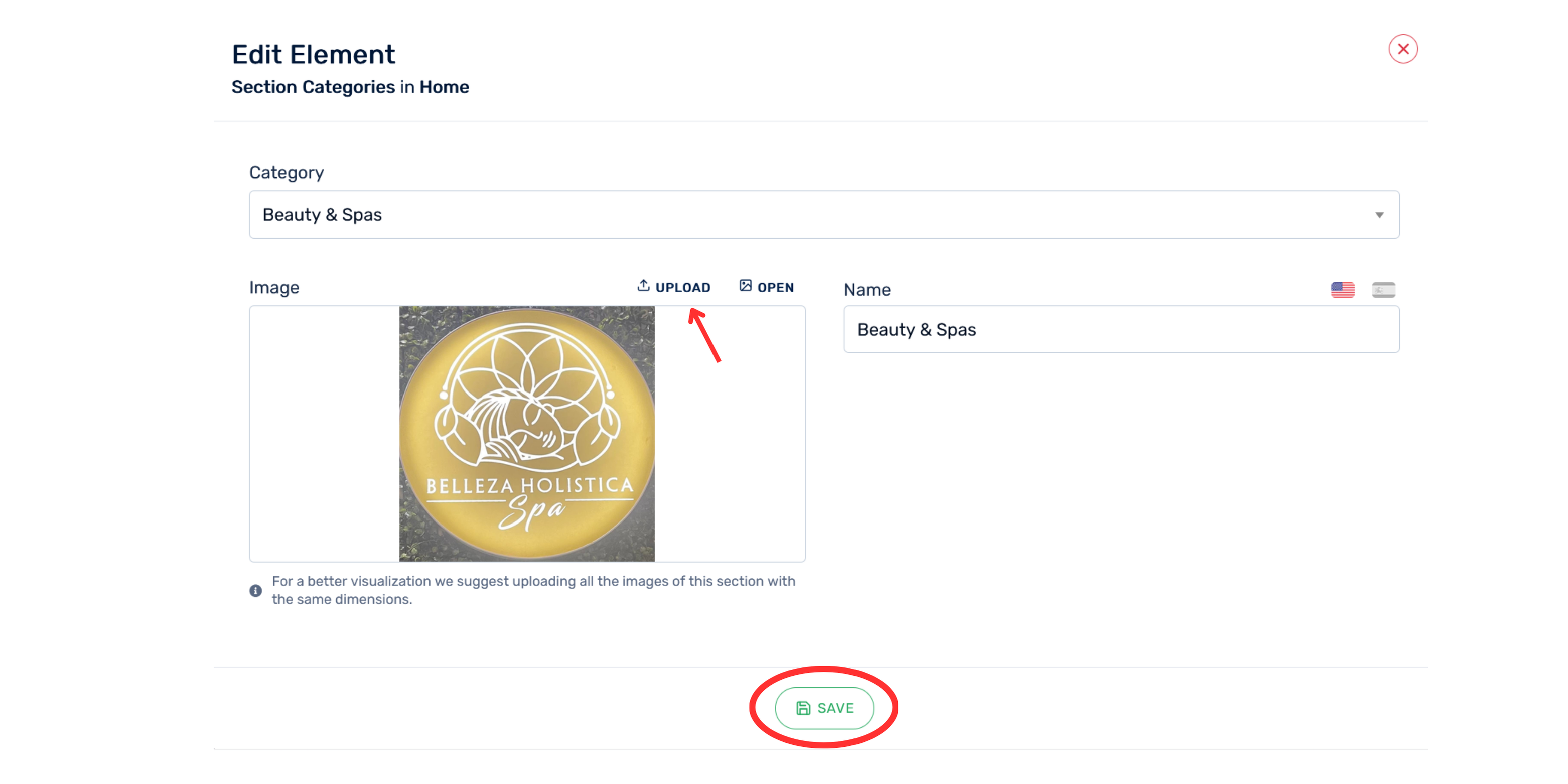
To add an image to a category, do the following:
- Select the category in the Category. field.
- In the Image section, select UPLOAD.
- Choose the image you want to use from your device.
- Verify that the image appears in the preview box.
- In Name, enter or verify the category name.
- Click Save.