How do I change the order of a Service?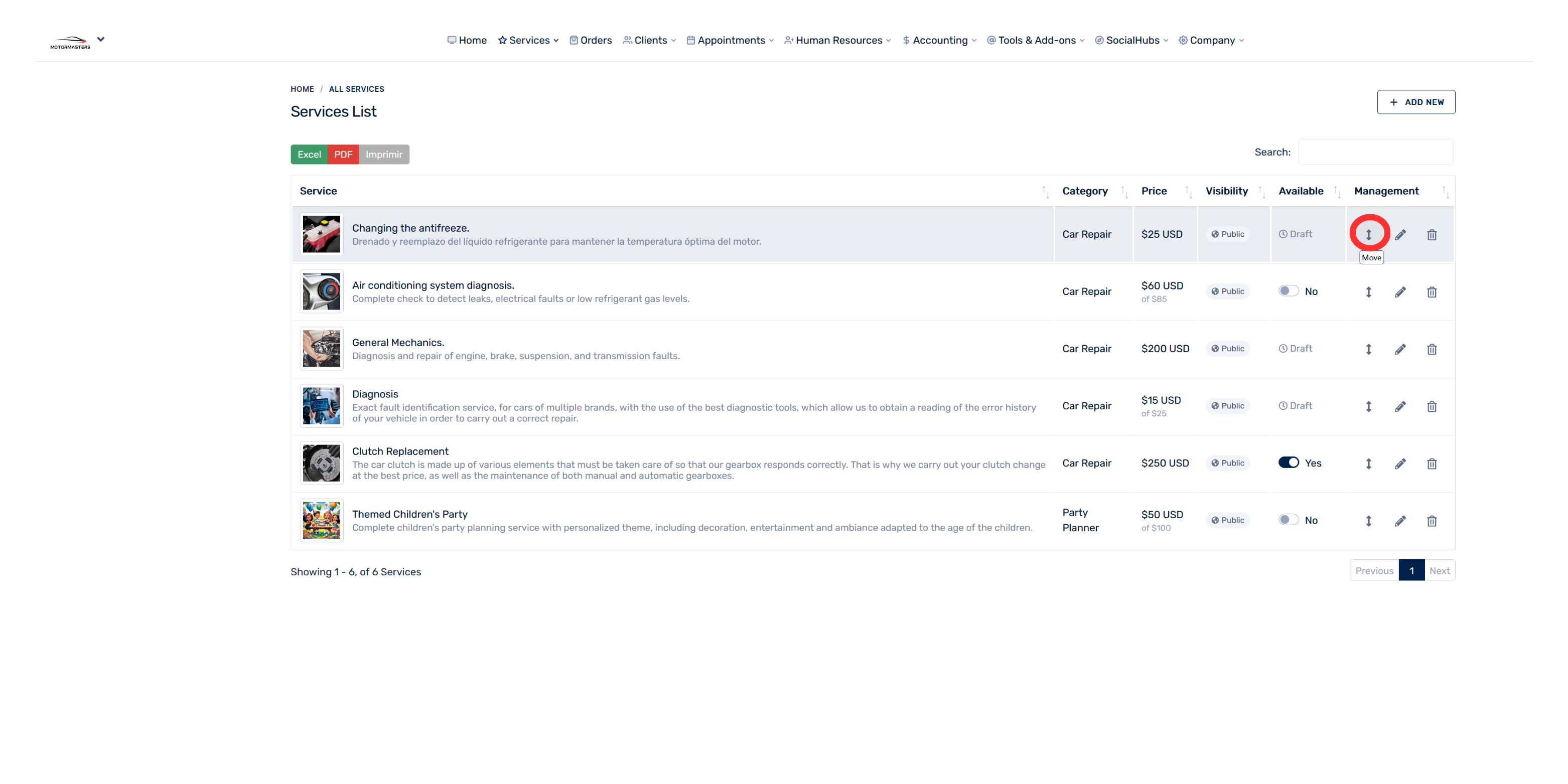
- Go to the “Services” section.
- Select “All services.”
- Find the service you want to move.
- In the “Management” column, select the arrow icon labeled “Move.”
- Drag the service to the position you want and save the changes.