How do I modify the Company address?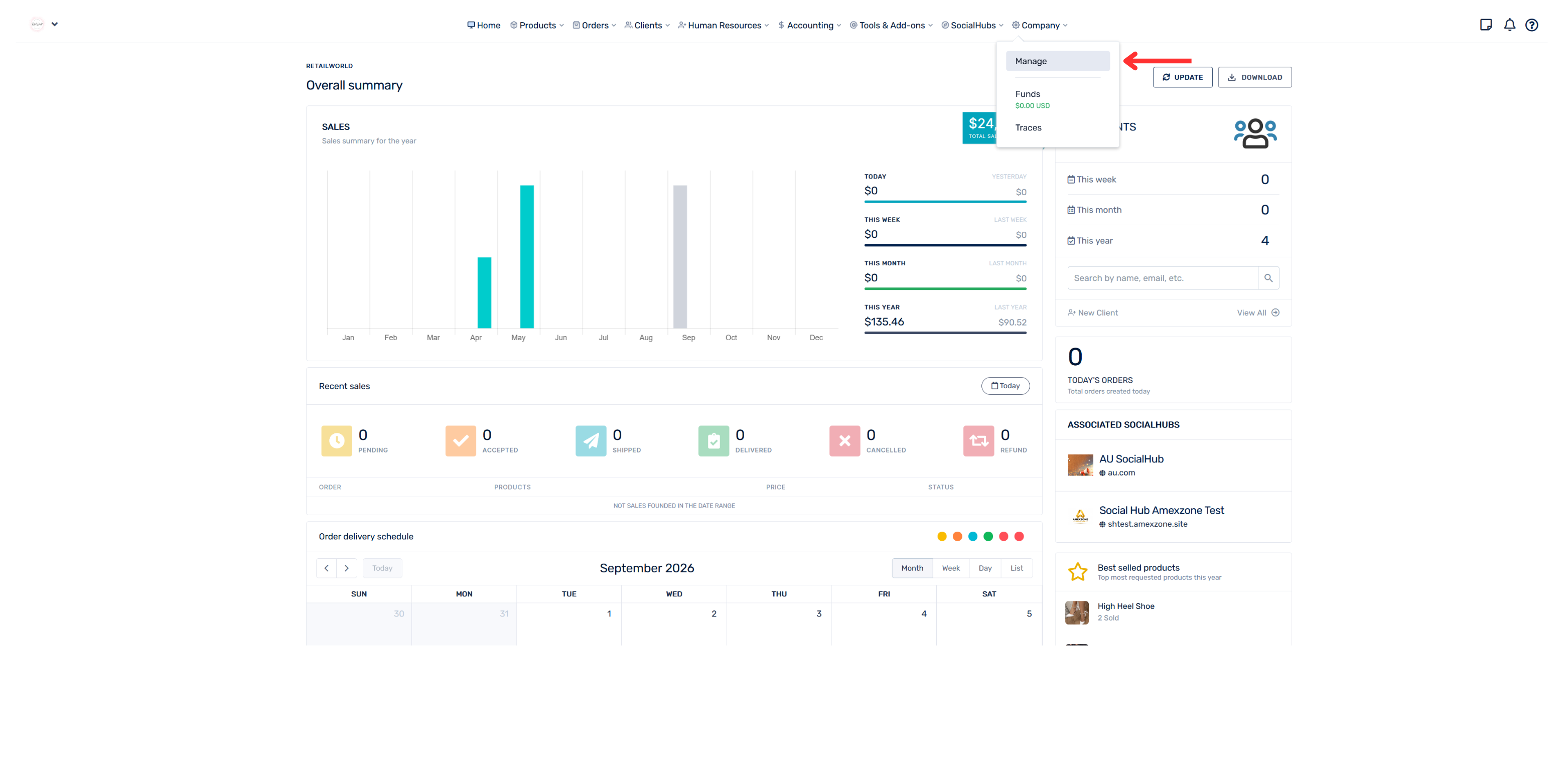
- Go to the “Company” section.
- Select “Manage.”
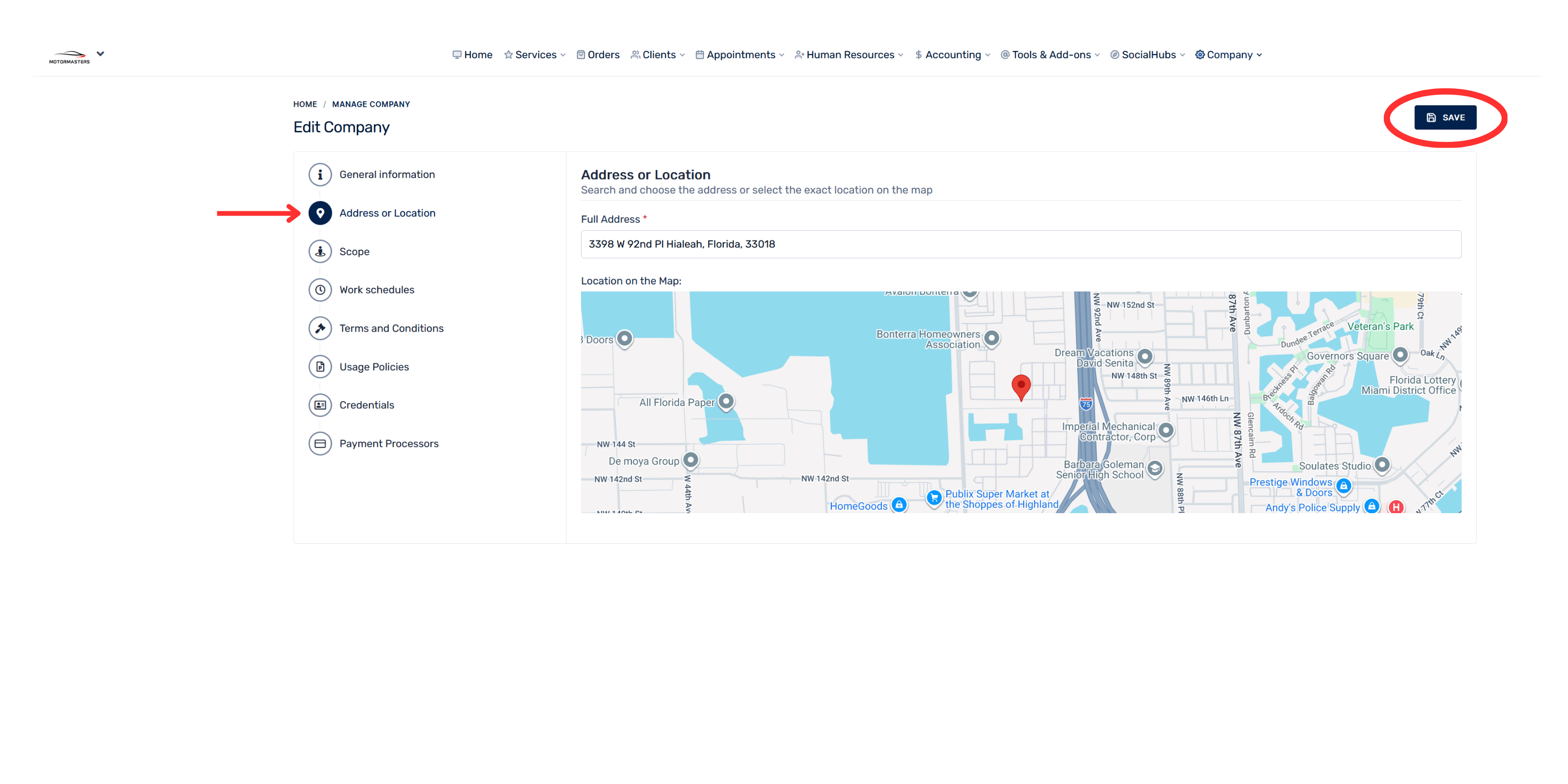
- From the menu on the left, select “Address or Location.”
- Modify the appropriate fields with the company’s new address.
- Click “Save” to record the changes.