How do I set up the provider profile?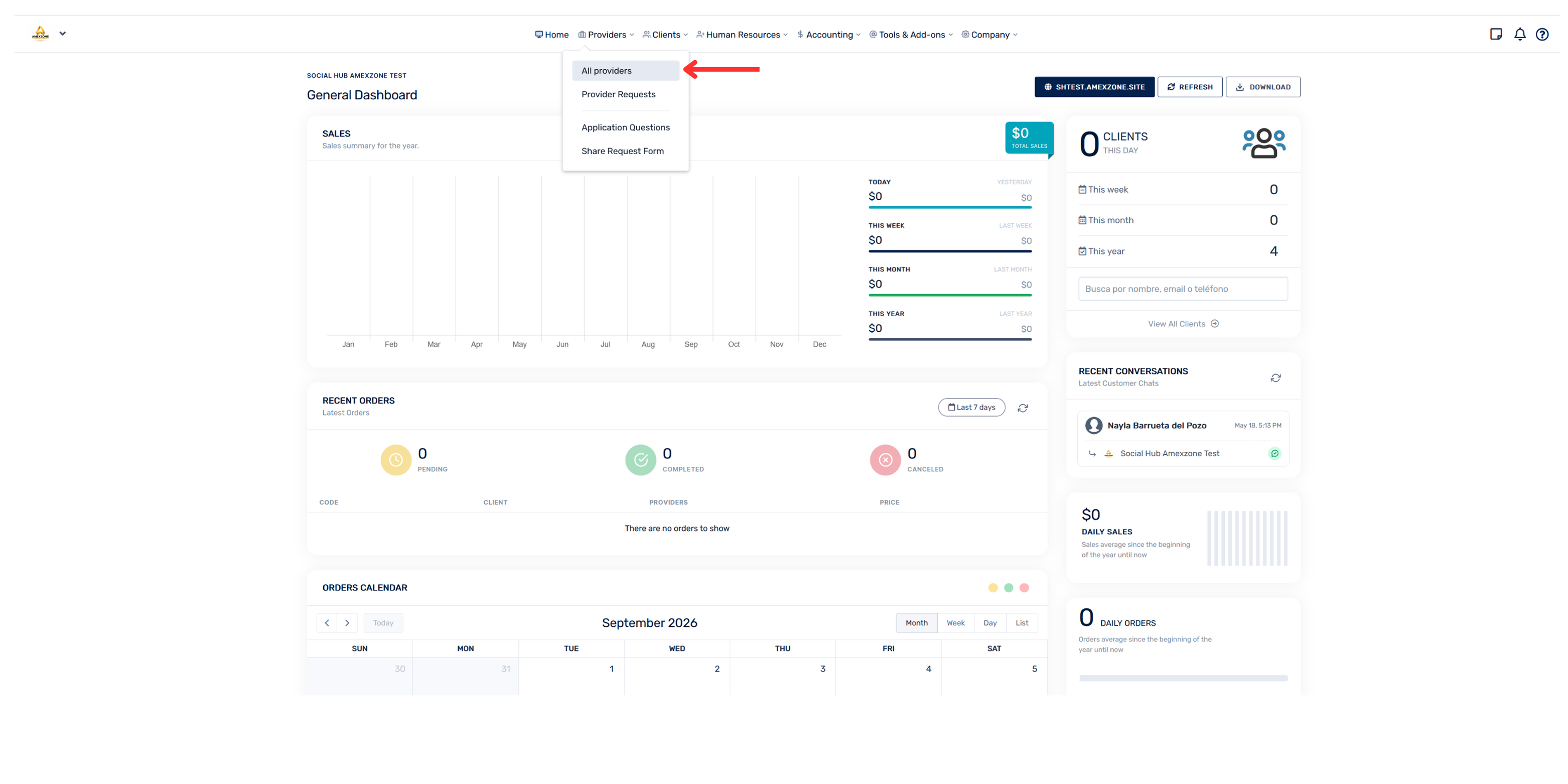
- Go to the “Providers” section
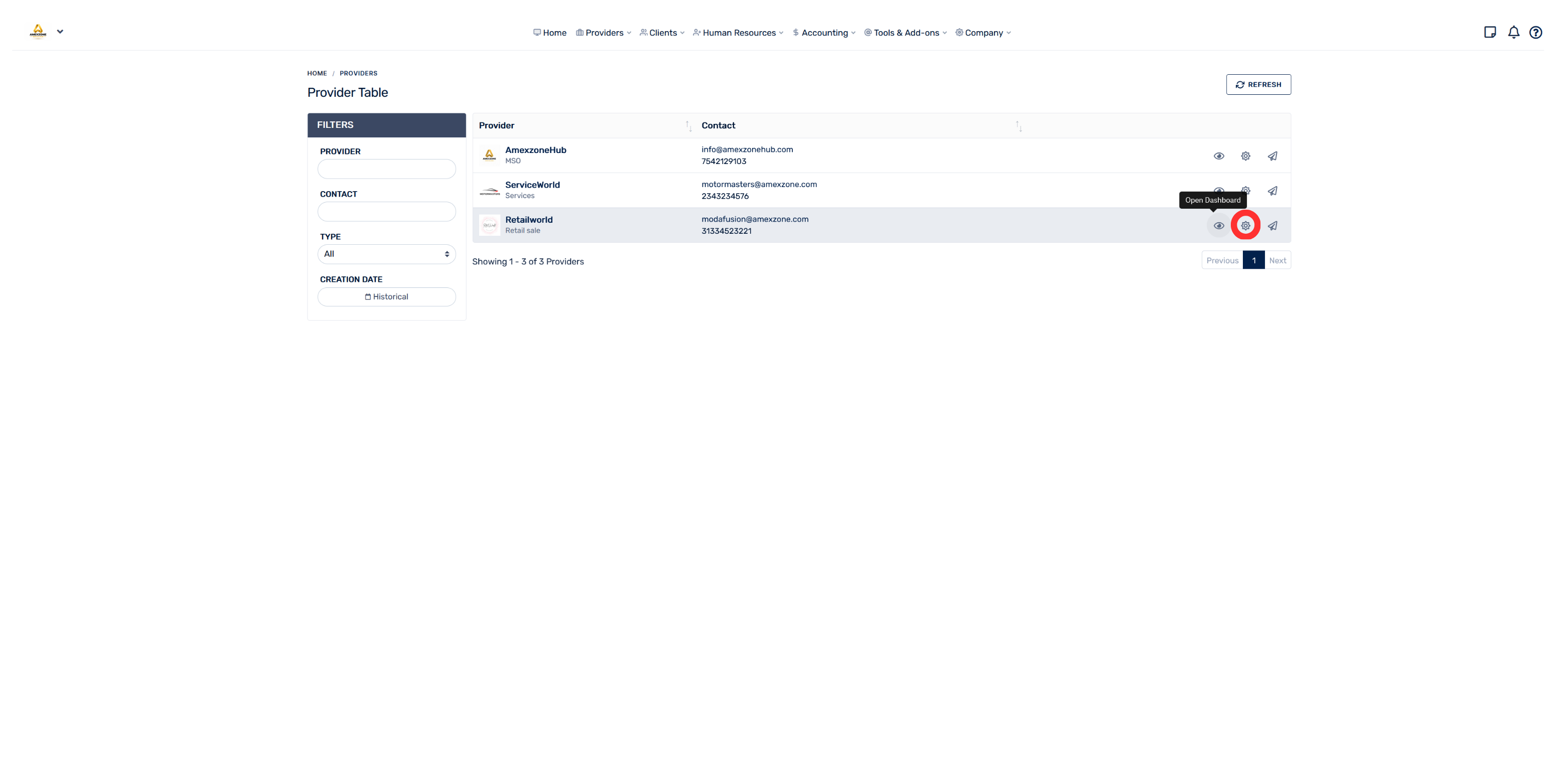
- Select “All providers”. The list of existing providers will be displayed there.
- Find the provider you want to configure and, on the right side, select the “Manage” ⚙ icon
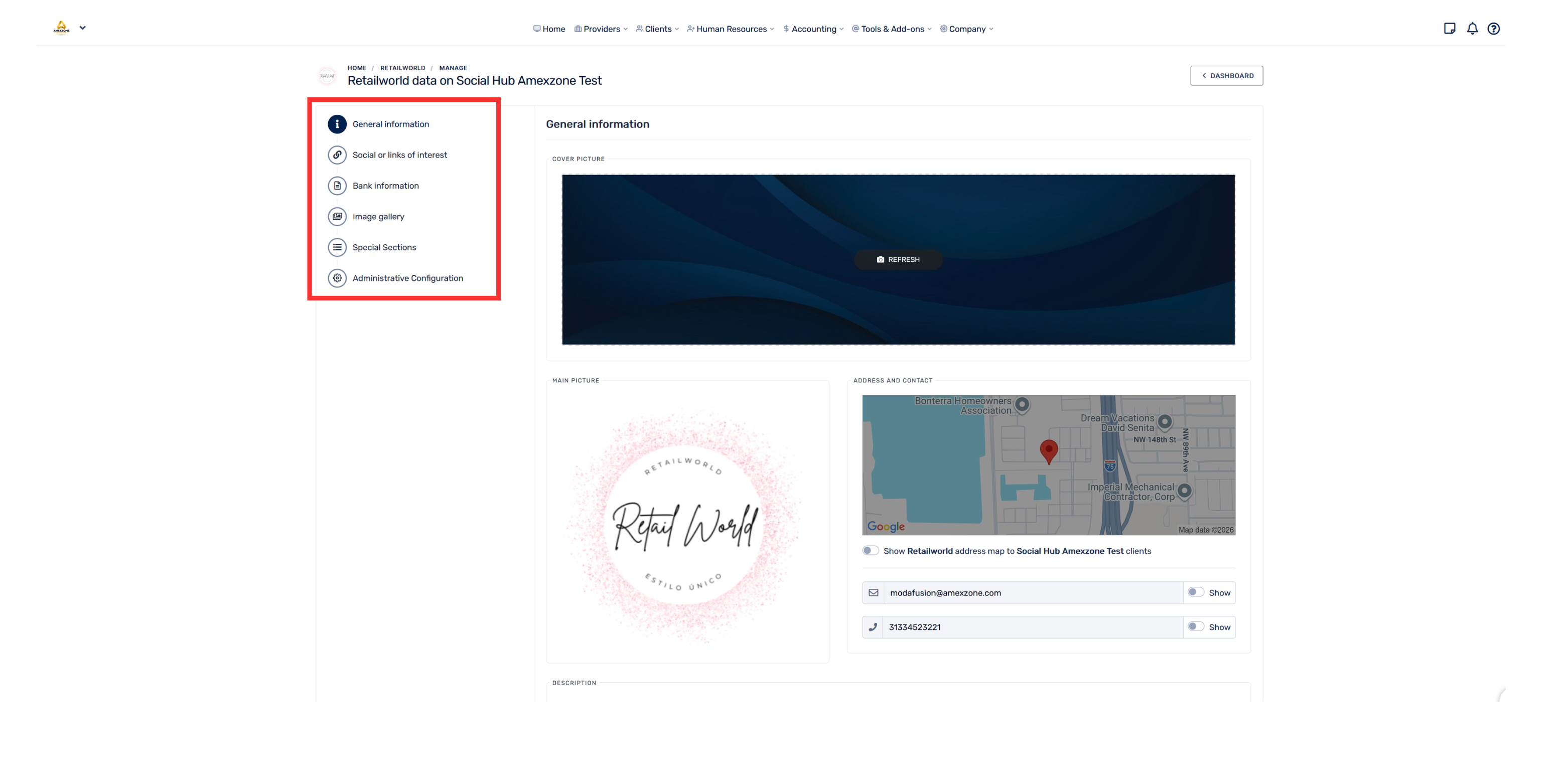
- In the settings menu, on the left side, you will find all the available options to configure the profile:
- General information
- Networks or links of interest
- Bank information
- Image gallery
- Special sections
- Manage Memberships
- Administrative Settings
Enter each section and complete or update the corresponding information.