How do I delete a frequently asked question from my SocialHub?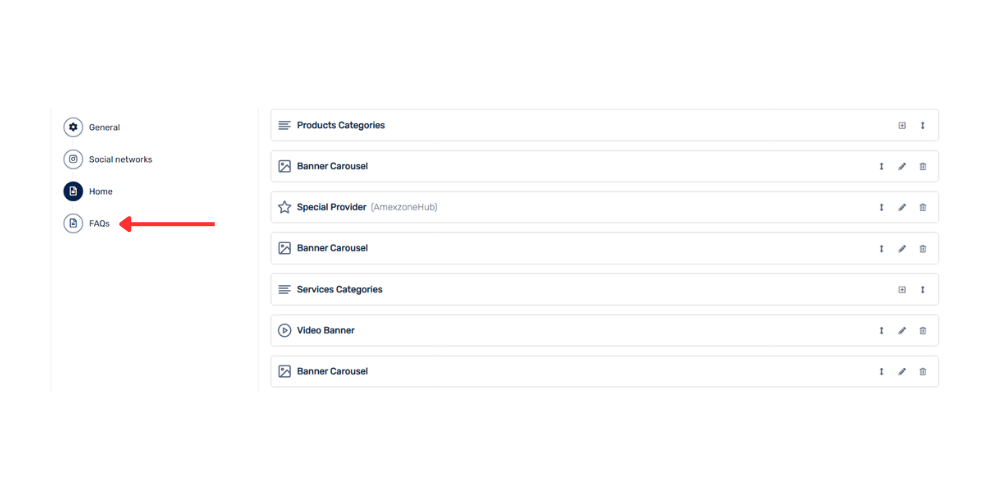
- Go to your SocialHub's Settings.
- Select the Frequently Asked Questions (FAQs) section.
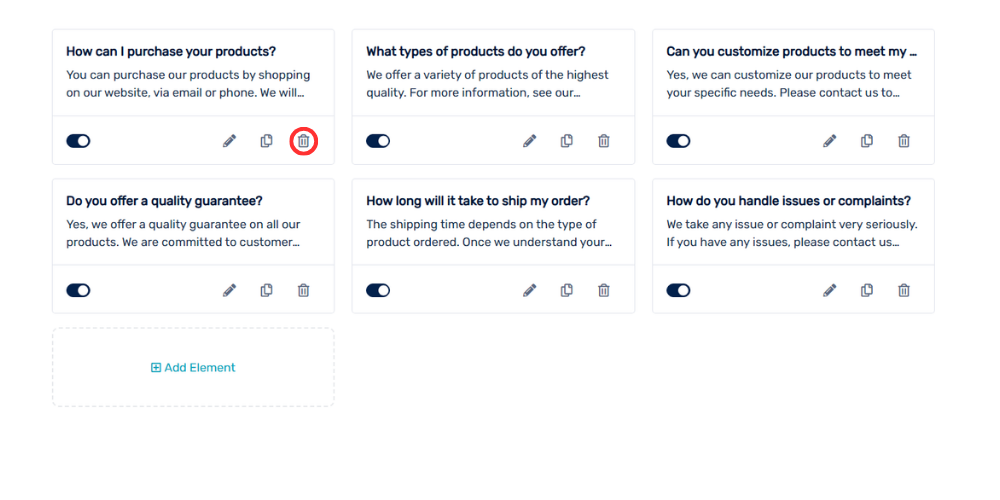
- Locate the frequently asked question you want to delete.
- Click Delete.
- Confirm the deletion of the frequently asked question.