What is the “Settings” section within the company for?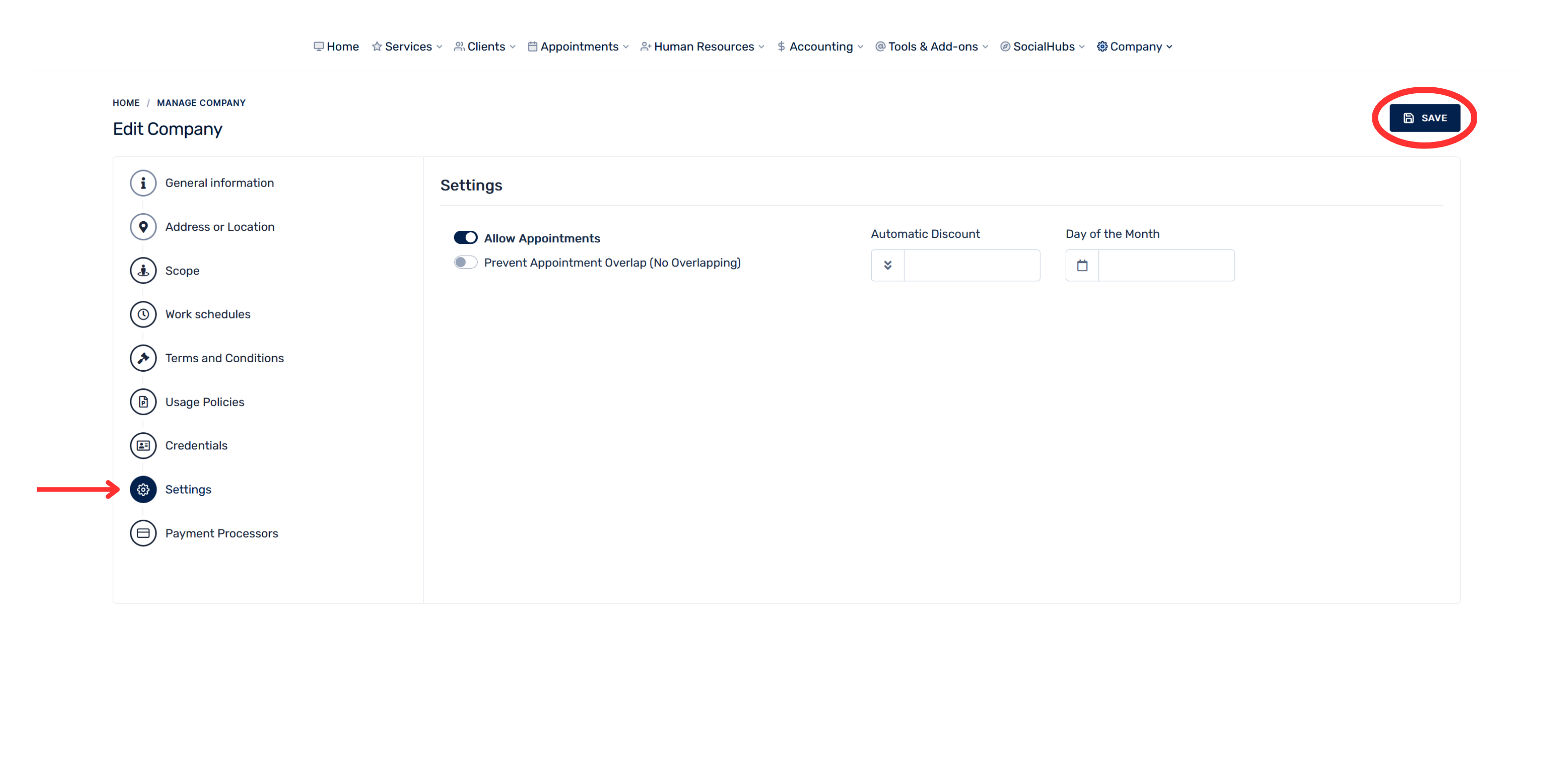
In this section, you can manage the company’s appointments and configure automatic discounts.
You can perform these actions:
- Enable or disable appointments
- Enable “Allow Appointments” so customers can schedule services.
- Disable it if you temporarily do not want to receive appointments.
- Prevent overlapping appointments
- Enable “Prevent Appointment Overlap” to prevent two appointments from being scheduled at the same time when they should not be.
- Configure an automatic discount
- You can set a percentage or discount amount to be applied automatically, according to the available options.
- Select the day of the month
- Specify the day of the month related to the application of the automatic discount.
- Save the changes
- After modifying any setting, select “Save” in the upper-right corner.